e-Office · Electronic Correspondence
e-Office: Electronic Correspondence for Organizations
A correspondence application run by two AlurKerja BPMN processes. Outgoing letters are drafted from templates, initialed in tiers, electronically signed by officials and external parties, stamped with e-Meterai, then numbered and issued as QR-coded PDFs. Incoming mail is registered, dispositioned, and followed up in tiers with automatic reminders.
View the e-Office Demo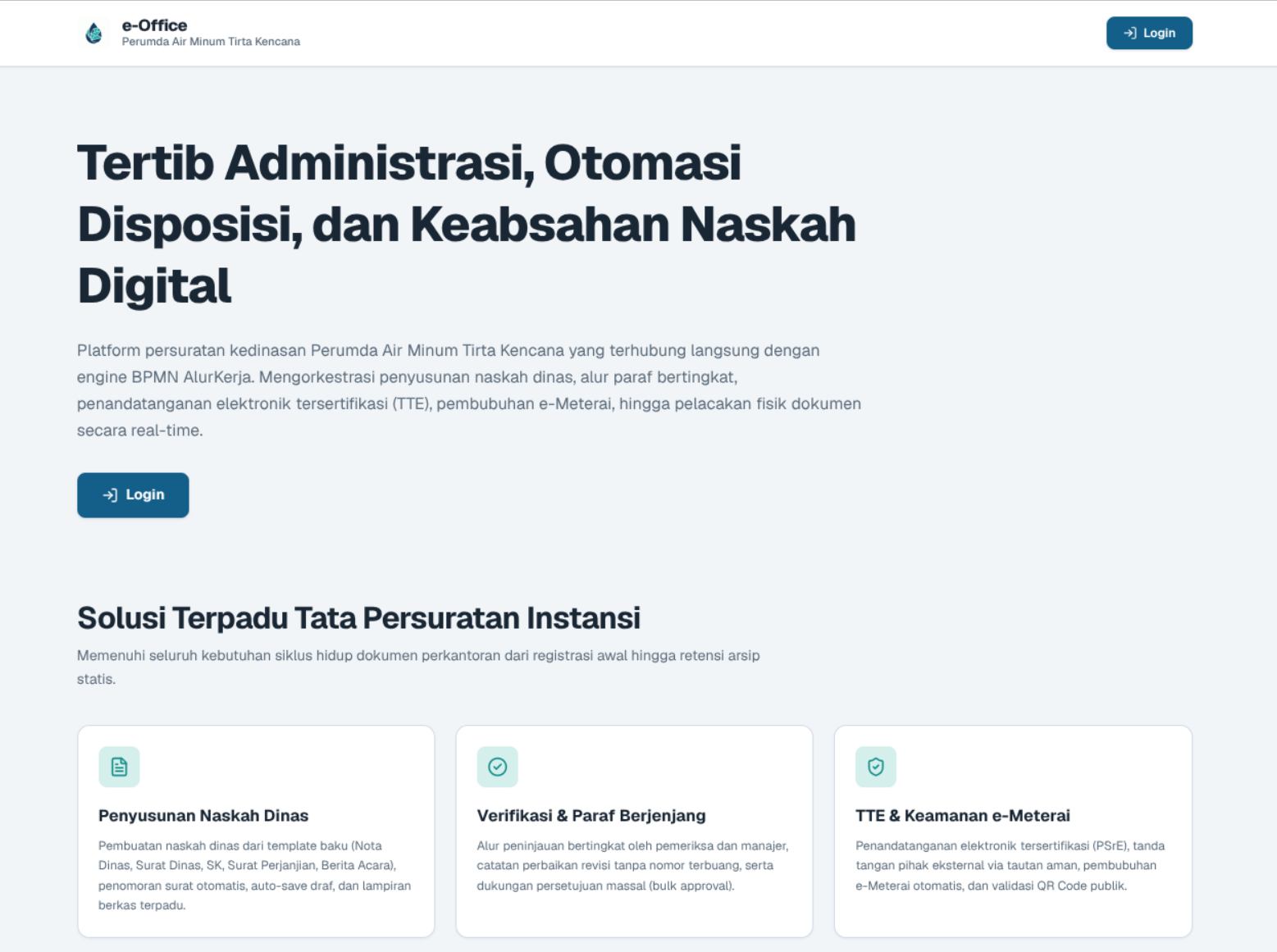
What is the e-Office workflow?
e-Office is an organizational correspondence workflow made of two processes. The Outgoing Letter process takes an official letter from drafting, tiered review and initials with revision loops, and sequential approval and electronic signing by officials, through external party signatures, e-Meterai stamping, and numbering, to a final QR-coded PDF sent by email. The Incoming Mail process registers external letters, routes them as leadership dispositions, and tracks tiered follow-ups with reminders for dispositions still pending.
Benefits of digitizing organizational correspondence
Official Letter Drafting from Templates
Letters are drafted from standard templates such as memos, official letters, decrees, agreements, and minutes, complete with archive classification, confidentiality level, and attachments.
Tiered Initials and Revision Loops
Reviewers check letters in tiers. Letters that need changes go back to the drafter with revision notes, without using up a letter number.
Electronic Signatures, e-Meterai, and Numbering
Officials approve and sign in sequence, external parties sign through a link, e-Meterai is applied, and the letter number is issued automatically before the final QR-coded PDF is emailed.
Incoming Mail Dispositions and Document Tracking
Incoming mail is registered and dispositioned in tiers to work units, with automatic reminders for dispositions still pending and a position history for every document.
FAQ
Pertanyaan tentang Electronic Correspondence
Which processes does e-Office run in AlurKerja?
There are two BPMN processes: Outgoing Letter, covering drafting through issuance of official letters, and Incoming Mail, covering registration, disposition, and follow-up of external letters.
How do external parties sign a letter?
Parties outside the organization are modeled as a separate pool in the BPMN. They sign through a dedicated link after internal officials have signed, and the process then continues to e-Meterai and numbering.
What happens if a disposition is not followed up promptly?
A non-interrupting timer in the Incoming Mail process sends reminders to the disposition recipient without cancelling the task, so the task stays open until it is acted on.
View the e-Office Demo
Fill out the data below, and our team will send demo access to your email.